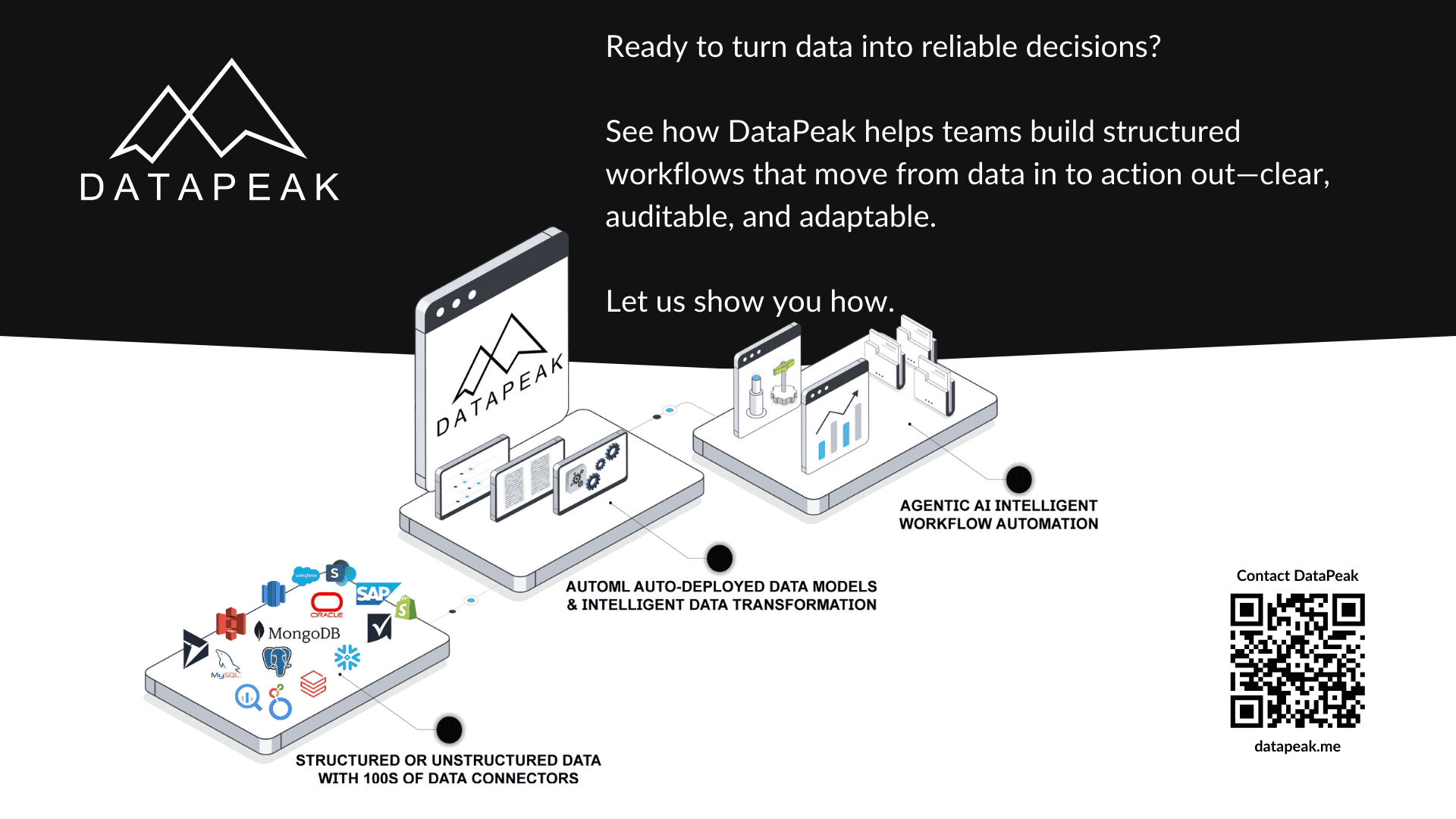
Building Workflows in DataPeak: From Data In to Decisions Out
When teams talk about automation, they often focus on individual steps: a script that runs, a task that triggers, or an alert that fires.
What actually determines whether automation works at scale, however, is the workflow, the structure that connects data, logic, decisions, and outcomes into a repeatable system.
DataPeak is built around workflows for this exact reason.
This article explains how workflows are constructed in DataPeak, how they move from data inputs to decisions and actions, and why this approach makes intelligent automation more reliable.

Workflows Are the Backbone of DataPeak
In DataPeak, workflows are not an add-on. They are the organizing principle of the platform.
A workflow defines:
What triggers a process
What data is involved
How logic is applied
Where decisions are made
What actions follow
How outcomes are evaluated
Every agent, automation, and output in DataPeak exists inside a workflow.
Step 1: Starting with a Trigger
Every workflow begins with a trigger, the event that starts the process.
Common triggers include:
New data being added to a dataset
A file or document upload
A scheduled event
An external system signal
A user action
Triggers ensure workflows respond to real conditions rather than running blindly.
Step 2: Bringing Data into the Workflow
Once triggered, workflows operate on data.
In DataPeak, data can come from:
Structured datasets and tables
Uploaded files (PDFs, spreadsheets)
API responses
Workflow variables
Because data is explicitly modeled, each step in the workflow knows:
What information it is receiving
What format it’s in
How it should be used
This clarity is essential for reliability.
Step 3: Applying Logic and Transformation
Before decisions are made, data often needs preparation.
Workflows may include steps that:
Clean or normalize data
Validate inputs
Transform values
Combine datasets
Apply business rules
These steps reduce noise and ensure that agents and automations operate on trustworthy inputs.
Step 4: Introducing Decision Points with AI Agents
This is where workflows become intelligent.
At decision points, workflows can invoke AI agents to:
Evaluate context
Handle exceptions
Prioritize actions
Choose between paths
Agents do not replace workflows, they enhance them by handling judgment where rules alone are insufficient.
Step 5: Executing Actions
Once a decision is made, workflows execute actions.
Actions might include:
Triggering downstream workflows
Updating datasets
Sending notifications
Generating files or reports
Calling external APIs
Requesting human review
Execution is controlled and explicit, ensuring that outcomes are predictable and auditable.
Step 6: Evaluating Outcomes
After actions run, workflows evaluate results.
Evaluation can:
Confirm success
Detect errors
Trigger retries
Escalate to humans
End or continue the workflow
This step closes the loop and prevents silent failures.
Why This Workflow Structure Matters
This end-to-end structure allows workflows to:
Handle complexity without becoming fragile
Adapt to variability
Scale across teams
Maintain transparency
Support governance and auditing
Instead of hardcoding logic, workflows become living systems that evolve with the business.
How Workflows and Agents Work Together
The relationship is simple but powerful:
Workflows provide structure
Agents provide judgment
By separating these responsibilities, DataPeak avoids both rigid automation and uncontrolled autonomy.
A Practical Example Workflow
Consider a document processing workflow:
A document is uploaded
Data is extracted
Inputs are validated
An agent evaluates completeness
The workflow routes the document
A summary is generated
The result is logged and stored
Each step is explicit, reviewable, and adjustable.
Why No-Code Makes Workflow Design Better
No-code workflows are not about simplicity, they’re about visibility.
They allow teams to:
Understand system behavior
Collaborate across roles
Adjust logic safely
Reduce dependency on specialized developers
This makes workflows sustainable over time.
When to Start Simple
Not every workflow needs an agent.
Many successful DataPeak workflows begin as:
Simple automations
Straightforward data pipelines
Rule-based processes
Agents are introduced later, where decision-making adds value.
Workflows are where strategy becomes execution. By designing workflows that connect data, decisions, and actions explicitly, DataPeak helps teams build systems that are reliable, adaptable, and intelligent, without sacrificing control. This is what turns automation into infrastructure.